
APP PROFILE · BY DUSK ENTERPRISE
reps.: log the set in two taps and get back to the bar
Push, pull, legs tracker · Free · iPhone & Mac
Logging a set should take two taps. Weight in, reps in, done, and the rest timer starts itself.
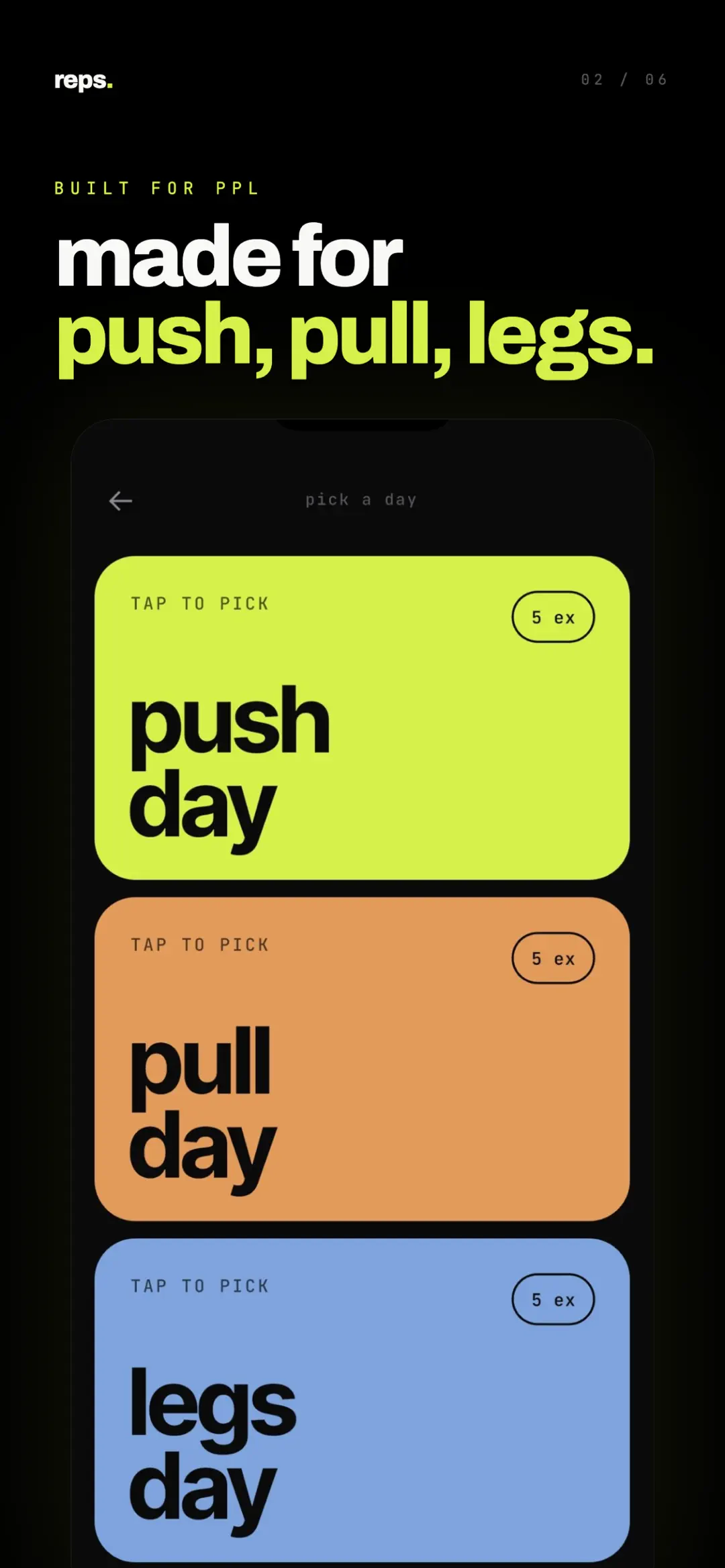
reps. tracks one thing: a push, pull, legs split. There is no nutrition tab, no social feed, and no 500-exercise menu to scroll through while your rest clock runs down.
Open it, tap your day, log the set, put the phone down. The rest of your rest is yours.
“Lift more. Tap less.”
Screenshots
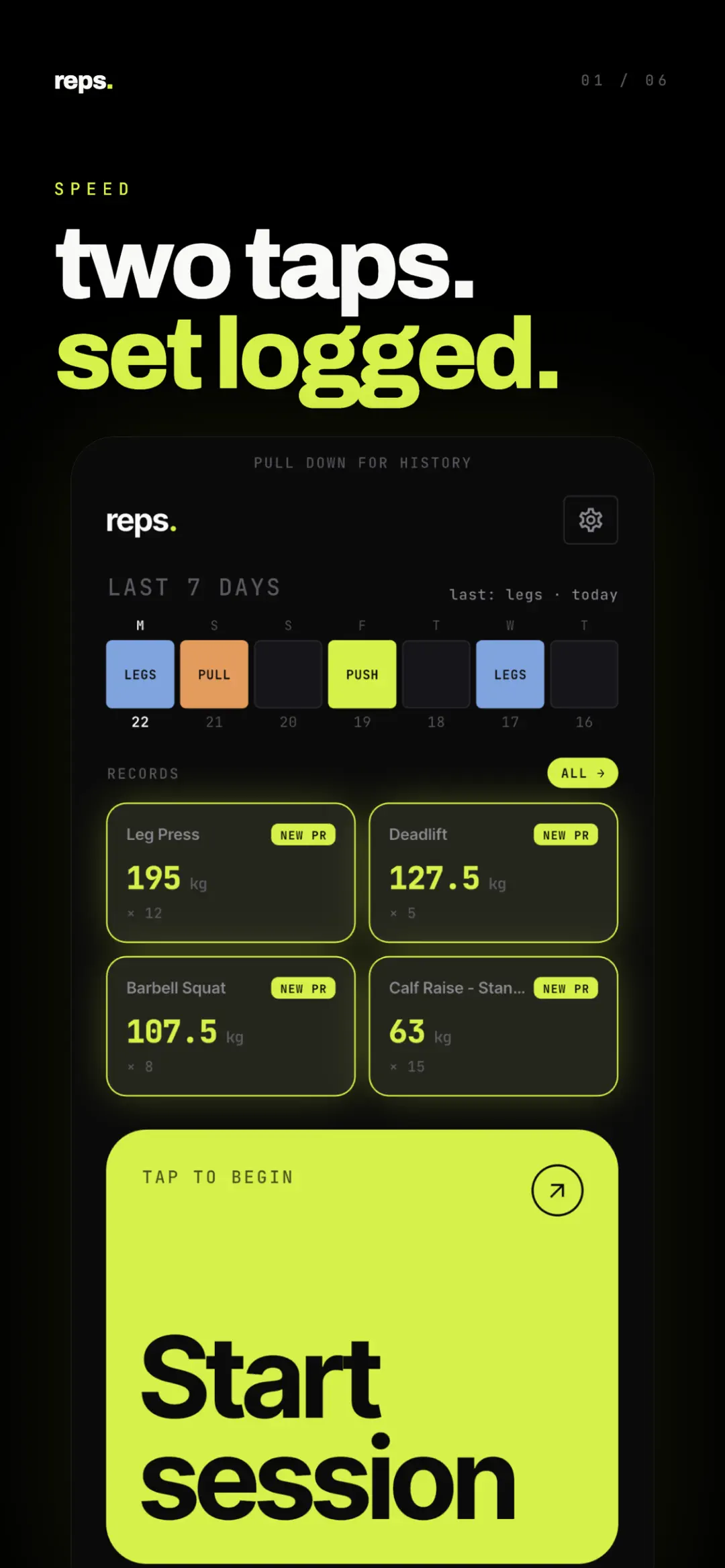
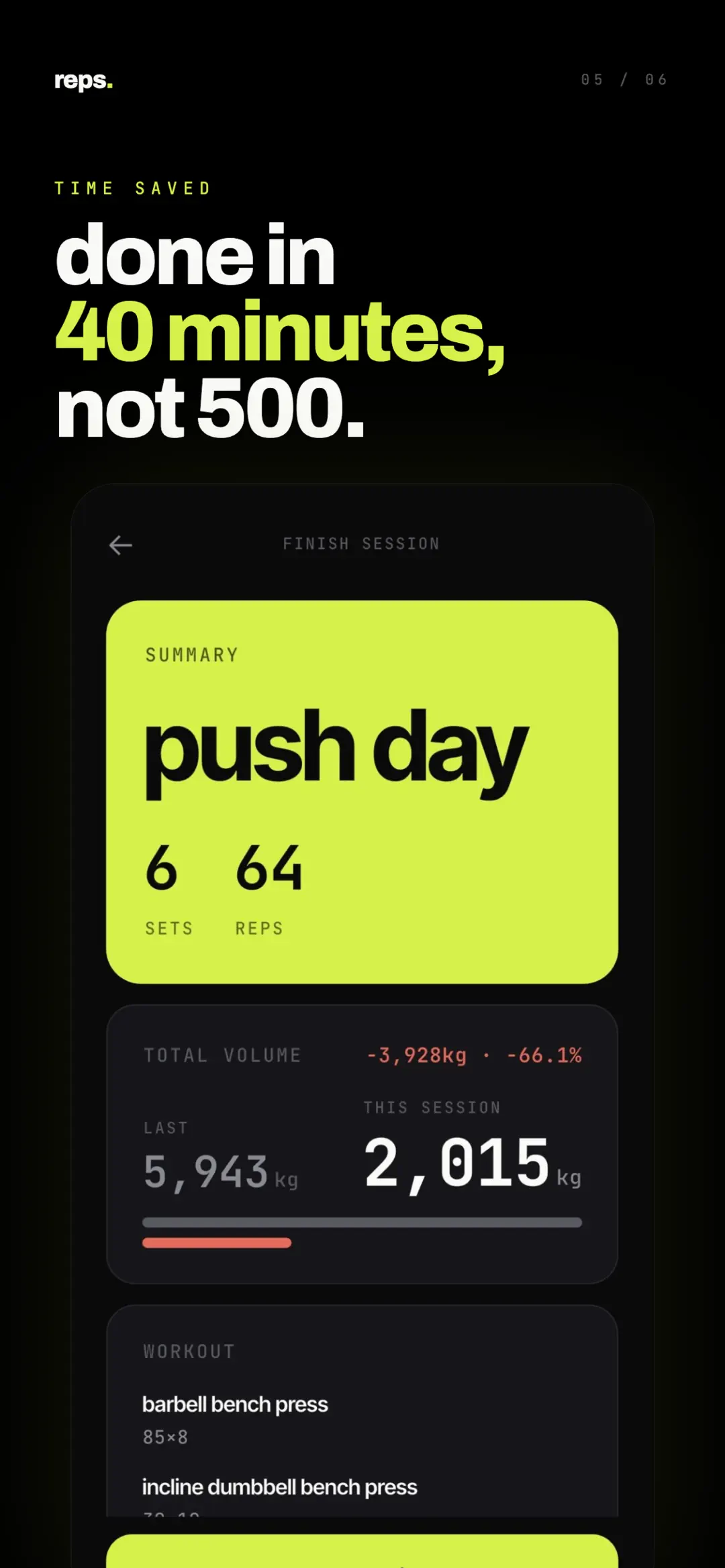
The home screen opens on your last seven days and whatever records you have just set, so you know what you lifted last time before you load the bar.
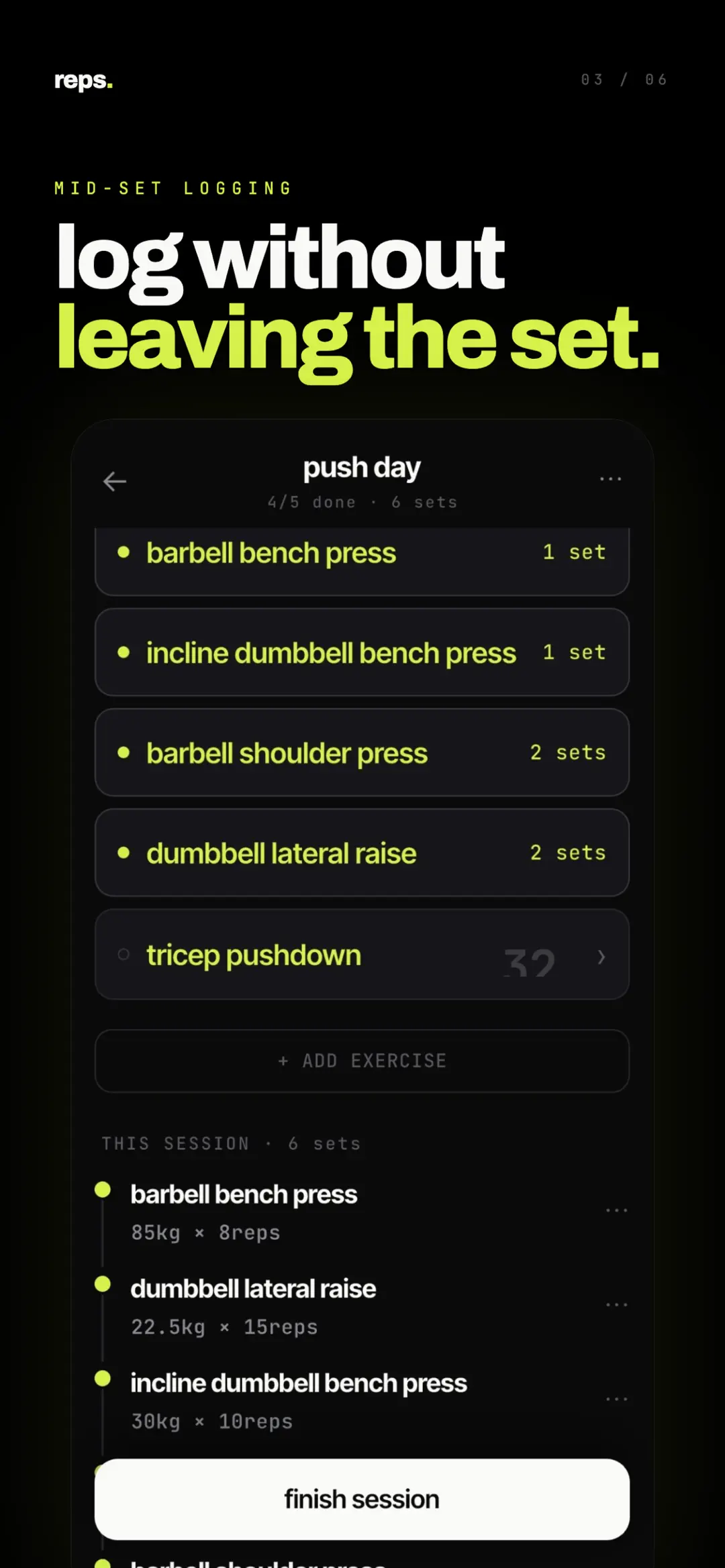
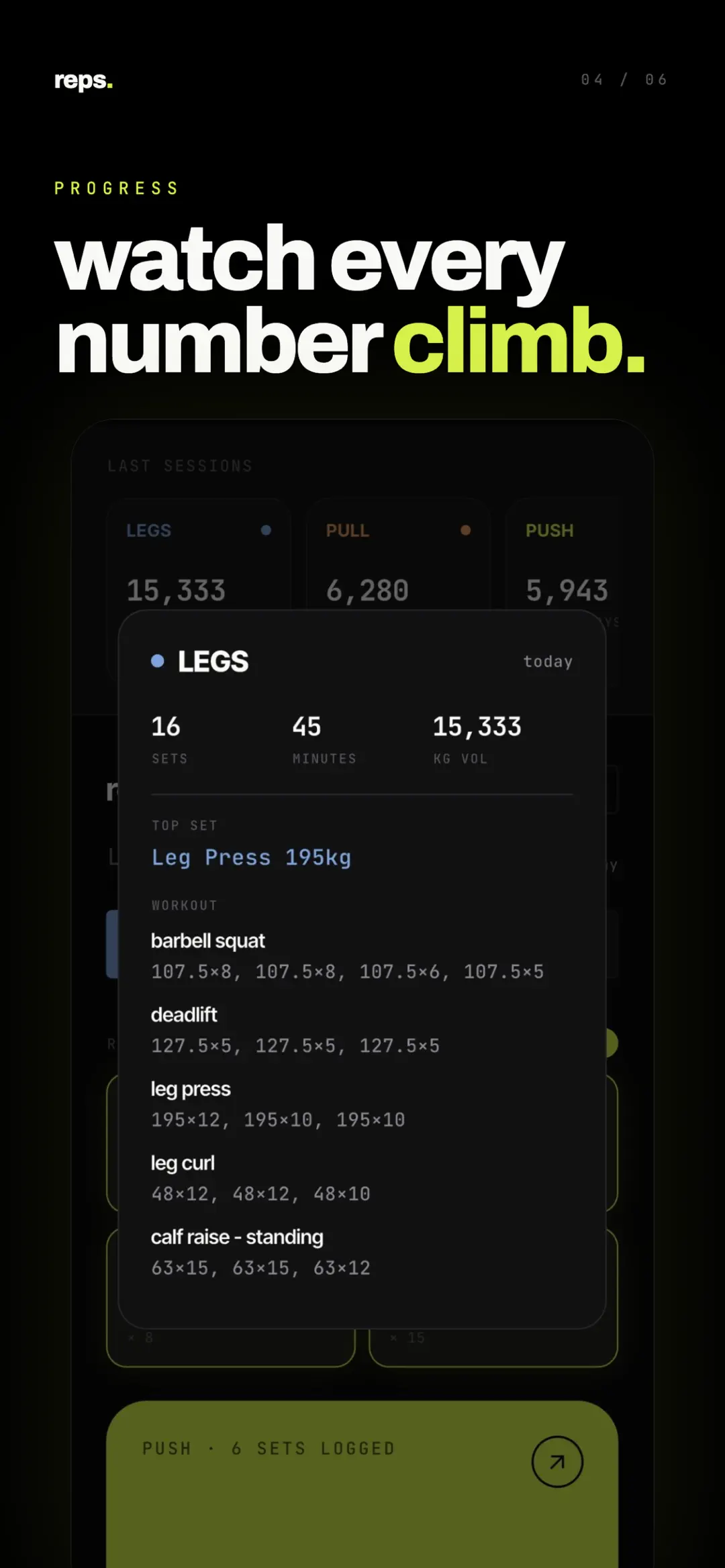
Mid-session you get the exercise list with every set stacked underneath it. Finish the day and reps. puts it next to your previous one: sets, reps, and total volume, up or down. If the number dropped, it says so.
That comparison is the whole point of tracking. We wrote up what training volume actually measures if you want the longer version, and progressive overload in plain English for why it moves at all.
What’s inside
One honest limit: reps. is built around push, pull, legs. Run upper/lower, full body, or a coach’s program and it will fight you. If you are still picking, Push Pull Legs vs Upper Lower lays out the trade-off, and 3-day vs 6-day PPL covers how often to run it.
Never tracked before? It takes about five minutes to get a first session down.
- Category
- Health & Fitness
- Content rating
- Rated 4+
- Data safety
- No data collected or shared
- Platforms
- iPhone & Mac
- Requires
- iOS 13.0 or later
- Size
- 21.2 MB
- Version
- 1.1.0
- Updated
- 8 Jul 2026