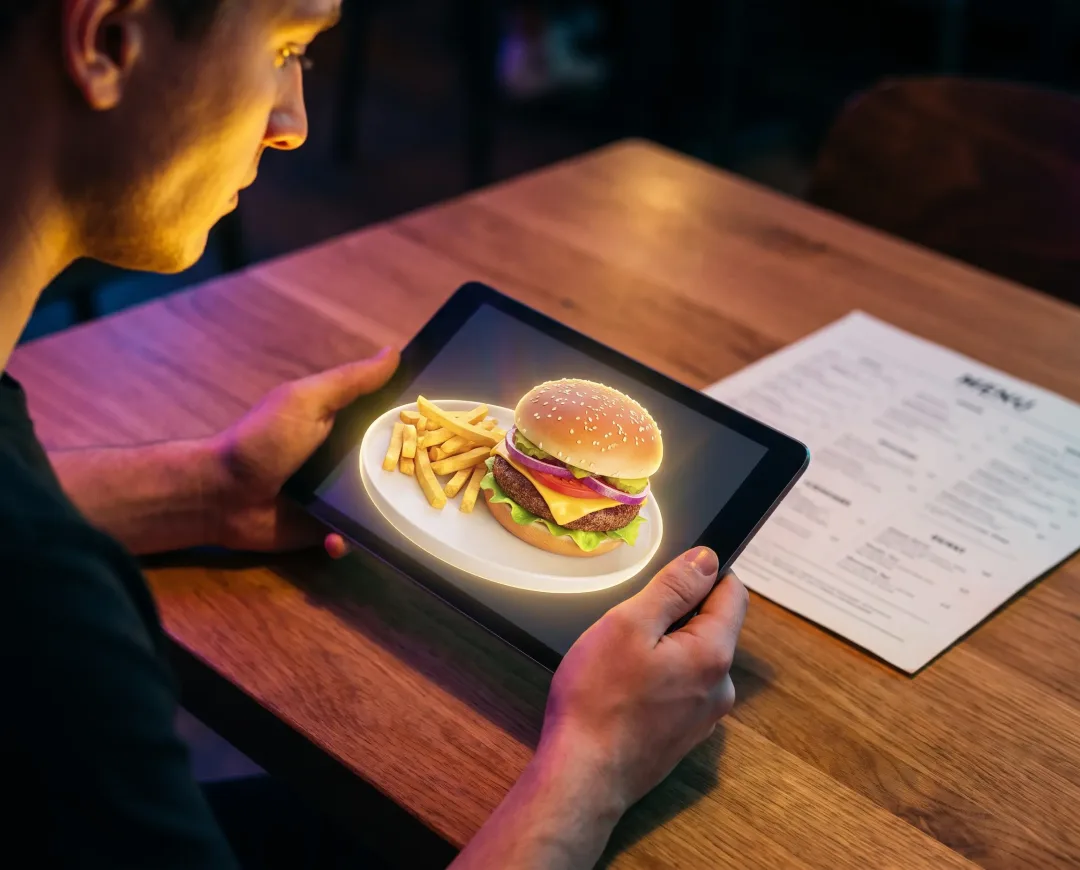
PDF menu vs 3D menu: which should your QR code open?
Most restaurant QR codes open a PDF of the paper menu. That works, and it is still a picture of words.
A 3D menu opens something else: the dishes themselves, turnable on the guest's phone, before anyone commits.
We run one in twelve venues. Here is the honest comparison, including where the PDF still wins.
In short
- A QR code is only a link. What matters is the page it opens, and for most restaurants that page is a PDF of the printed menu.
- A 3D menu shows best-selling dishes as models guests can rotate and zoom, with photos and prices for everything else.
- The costliest difference between the two has nothing to do with how they look. It shows up the day you change a price.
What does a QR code menu usually open?
Usually a PDF: the same file that goes to the printer, uploaded and linked to a QR code. It is the fastest possible way to get a menu onto a phone, and that is a real advantage.
The problems are all on the guest's side. A page laid out for paper arrives on a six-inch screen, so guests pinch, zoom, and drag around a document that was never designed for them.
Text stays sharp. Nothing else improves. The dish is still a name and a price, exactly as it was on paper.
How is a 3D menu different?
A 3D menu is built for the phone, with signature dishes captured as photoreal models the guest can rotate and inspect. We covered why seeing the plate changes ordering in how a 3D menu changes the way people order.
The practical difference is that nothing is a document. Dishes are entries in a system, sorted into categories, each with a photo, a description and a price.
Guests add what they want to a cart, set quantities, note special requests, and send the order to the kitchen from the table.
What changes for guests?
Guests stop guessing. On a PDF, someone choosing between two unfamiliar dishes has a name and a price to go on, so they order the safe one.
Picture a Friday rush. Table of four, one guest scanning the code, zooming into a PDF, then giving up and asking the waiter what the dish actually looks like. The waiter describes it. The guest orders the burger anyway.
Now the same table with a model on screen. They turn the dish, see the portion, and order the thing they would have skipped. Across our twelve venues that menu is scanned about 40,000 times a month, and mis-orders are down 31%.
What happens when you change a price?
Here is the difference we promised, and it is the one owners feel every week: a PDF menu has to be regenerated and re-uploaded every time anything changes.
New price, new dish, a supplier problem that kills a special. Someone opens the design file, edits it, exports a PDF, uploads it, and checks the code still resolves. Until they do, the menu on the table is wrong.
In a 3D menu you edit the dish once and every table sees it instantly. No reprinting, no stickers over old prices, no version of the menu that is quietly out of date.
Where does a PDF menu still win?
Setup. A PDF costs nothing and takes minutes, while a 3D menu needs every featured dish photographed and modelled, which is real work before anything goes live.
That is also why we model best-sellers rather than the whole menu. A specials board changes faster than models can be made, so specials belong in the photo-and-price part of the system, not the 3D part. If your menu turns over completely every week, a PDF may genuinely suit you better.
Which should your QR code open?
Open a 3D menu if your core menu is stable and your best-sellers are worth seeing. Open a PDF if your menu changes constantly and you need something live tonight.
Most restaurants sit in the first group and do not realise the second option exists, because the QR code on the table looks identical either way.
FAQ
Is a QR code menu the same as a 3D menu?
No. A QR code is only a link. It can open a PDF, a web page, or a full 3D ordering system, and the code itself is identical in each case. What the guest experiences is decided entirely by what sits behind it.
Do guests need an app for a 3D menu?
No. It opens in the phone's browser straight from the code at the table. There is no download, no sign-up and no account to create.
Can a 3D menu take orders as well as show dishes?
Yes. Guests build a cart at the table and send it to the kitchen, which sees each order arrive on a live dashboard in real time.
Curious what your own dishes would look like turnable on a phone? Request a demo of 3D Menu.